Closed beta
Less lag in online games
WinLag measures the server you play on and sends the game's traffic the fastest way: through our node, or direct when that is faster.
Windows 10 and 11, 64-bit. Signing in to your account needs an invite code. Until the app is digitally signed, Windows may show a warning when you install it.








How it works
Three steps to your match
- 01
Install and sign in
Sign in to your account and enter your invite code. The app needs administrator rights: without them Windows will not let it create a network adapter and routes.
- 02
Press Boost before you join
Pick the game, turn on Boost, then join a server. A live match is not moved, because that would drop you from the game: leave and join again.
- 03
Watch the numbers
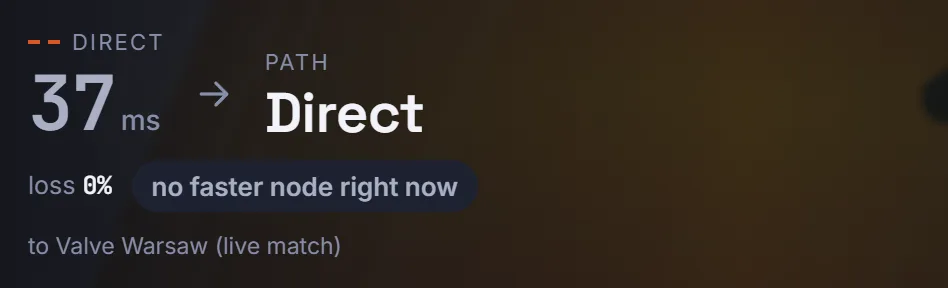
The app shows your ping direct and via the node, packet loss and the route in use. If no node is faster, the game goes direct, and the app says so.
The app
What WinLag looks like
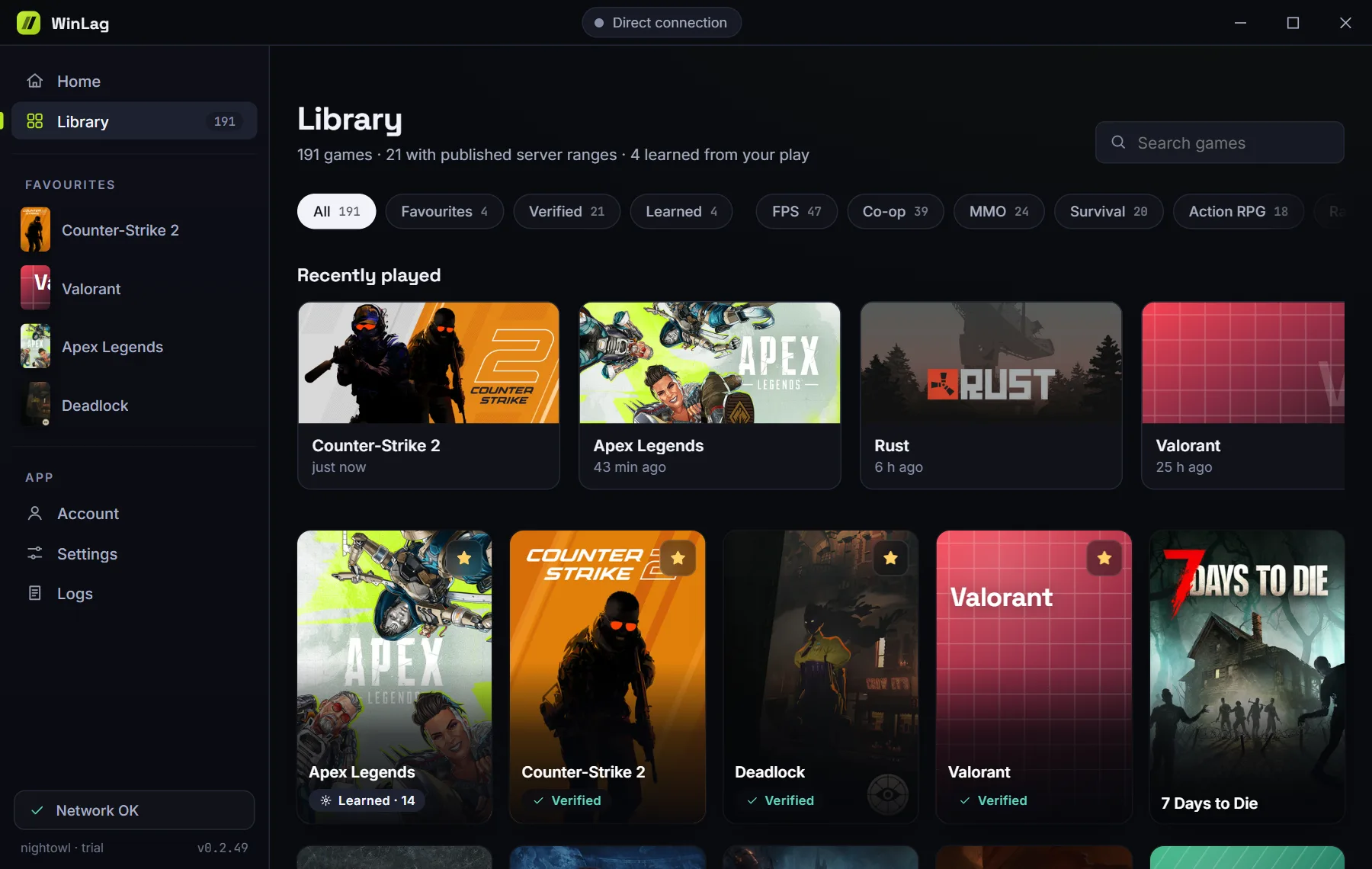
This is the real interface with demo data. The cities and numbers here are examples; yours will differ.
The app does not flatter itself
If your normal connection beats every node, that is what you will see.
What's inside
A network tool that stays out of the game
What it does
- Sends only the server addresses of the game you choose through a node, over an encrypted tunnel.
- Leaves your browser, downloads and other apps on your normal connection, unless you turn on the separate browser boost yourself.
- Knows a game is running from the names in the Windows process list, like Task Manager.
- Uses the Wintun network adapter from the authors of WireGuard for the tunnel.
What it does not do
- Does not open the game process or read its memory.
- Injects and hooks nothing: no libraries, no keyboard, no mouse.
- Does not change game files, game settings or the content of packets.
- Does not hide its code behind packers or obfuscators.
This describes how the app works. It is not permission from any game. The rules of games, tournaments and platforms are set by their owners and can change. We cannot guarantee that a given game or platform will allow routing through a third-party server. See the terms.
Games
More than 180 games in the catalog
Shooters, MMOs, survival, racing and roleplay projects.
 Counter-Strike 2
 Dota 2
- Valorant
- League of Legends
- Fortnite
 Apex Legends
 PUBG: Battlegrounds
 Rainbow Six Siege
 Rust
Rust- Roblox
- Minecraft
 Overwatch
For some games the servers are already known. For the rest, WinLag notes them in the first session and boosts from the next match.
FAQ
The short answers
How does WinLag work?
WinLag measures the server you play on and compares the route through our node with your direct connection. Game traffic goes whichever way is faster.
Can I get banned for this?
WinLag stays out of the game: it does not change game files, read game memory or inject anything. It only works with the network route. The rules of games and platforms are set by their owners.
Will all my internet go through your server?
No. Only the server addresses of the game you choose go through a node, and your browser and other apps work as usual.
Test it on your own connection
The measurement shows whether there is a gain for you.
Download for WindowsClosed beta: signing in needs an invite code. By installing WinLag, you accept the terms of use.